

Metal Calculator A1 Pro
By Binary and BricksWeight and quantity for every metal section — pipe, bar, beam, channel, sheet and more — with 39+ material densities, joint strength calculations and structural load analysis.
Get the app
Opens Google Play or the App Store, depending on your device.
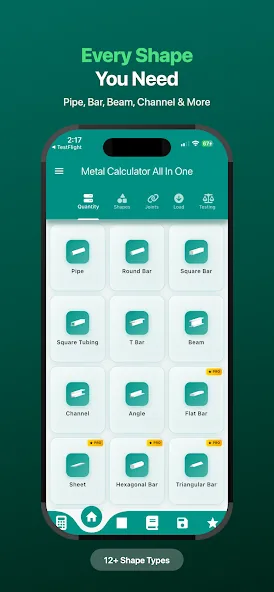
12+shape types
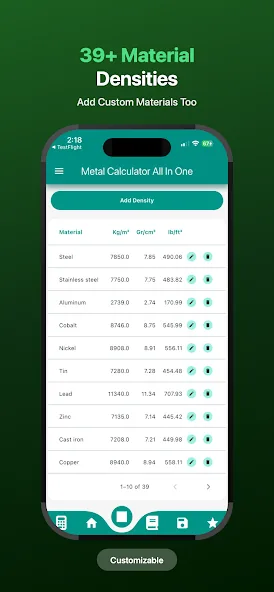
39+material densities
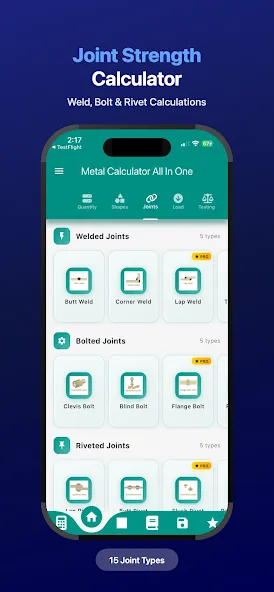
15joint types
Pro tier
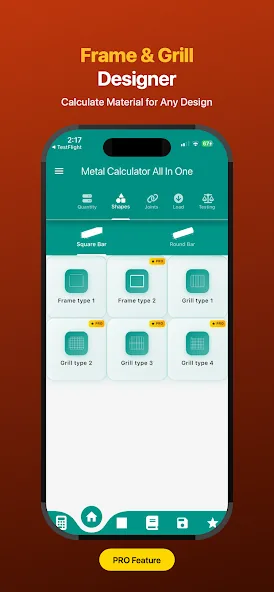
Pro unlocks the frame designer, load analysis and the full joint library.
What's inside
Pipe, round bar, square bar, square tubing, T bar, beam, channel, angle, flat bar, sheet, hexagonal and triangular bar
39+ material densities — steel, stainless, aluminium, cobalt, nickel, tin, lead, zinc, cast iron, copper and more
Add your own custom material densities
Joint strength — 5 welded, 5 bolted and 5 riveted joint types
Frame and grill designer with material take-off
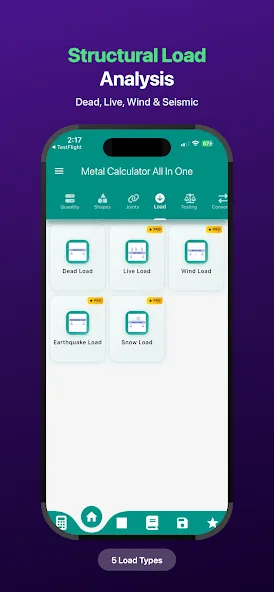
Structural load analysis — dead, live, wind, earthquake and snow
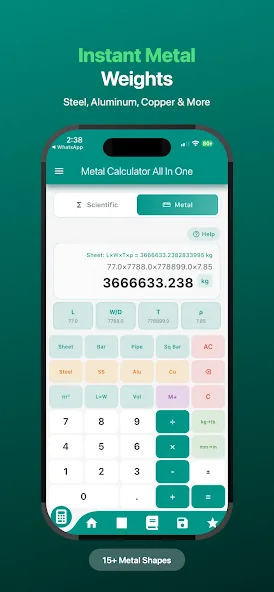
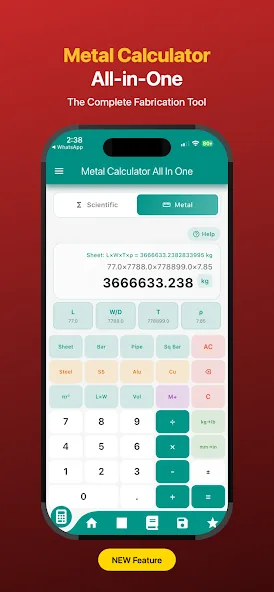
Instant metal weights with the working shown
Scientific and metal calculator modes
A look inside the app
Why professionals use it
The formula stays visible
Weight results show the expression they came from, so you can check the section dimensions rather than trusting a number.
Joints, not just sections
Weld, bolt and rivet strength calculations for fifteen joint types — the part most weight calculators leave out.
Custom materials
Add any alloy with its density and it behaves like a built-in material across every shape.
Try it free first
The same calculations, free in your browser
No download needed. When you want them on site without a signal, the app takes them offline.
From the Metal Calculator A1 Pro blog
All posts →


Learn the method, not just the answer
Our guides explain the calculations behind this app, formula by formula.